A release plan
built from the last one.
Give the date, answer what Maestro cannot see, and get the weeks before and after release day laid out in a project. Each line is a task your team owns.
For Digital managers · Management companies · Agencies and independent teams
Where it starts
The last release decides the shape of this one.
Where your team starts
A date, and the last release's numbers.
Where the streams came from, which markets moved, what the fan list did in release week. Maestro reads that first.
What Symphony does
A dated plan, week by week, in a project.
Pre-save, content drops, fan messages, ad windows and post-release pushes, each with a date and an owner. The builds go to Cue, Simmy and Echo.
What your team reviews
Every line is an approval.
The plan is a draft until your team changes it. Each build comes back for review before it publishes, launches or sends.
How your team starts it
Give him the date.
Ask Maestro from Home or the artist's project. He asks what a manager would ask on the first call, and the plan comes back the same day.
Hands-on, in the workspace
- 01Create a Release project, or ask Maestro.
- 02Answer what he cannot see: pre-save, clip, team.
- 03Review the plan and change the lines.
- 04Approve each build as it comes up.
Next time
"Next one is confirmed." He drafts it in the last one's shape and asks what is different.Or brief Maestro

Maestro
Planning and coordination
What Symphony does
The plan comes from your numbers, not a template.
01
Reads the last release
Streams, markets and the fan list from last time. That sets the shape of this one.
02
Lays it out week by week
Pre-save, content, fan messages, ad windows, post-release pushes, each with a date and an owner.
03
Hands off the builds for approval
Cue drafts the pages, Simmy the ads, Echo the fan messages. Your team approves each one.
In the workspace
The screen.
Projects
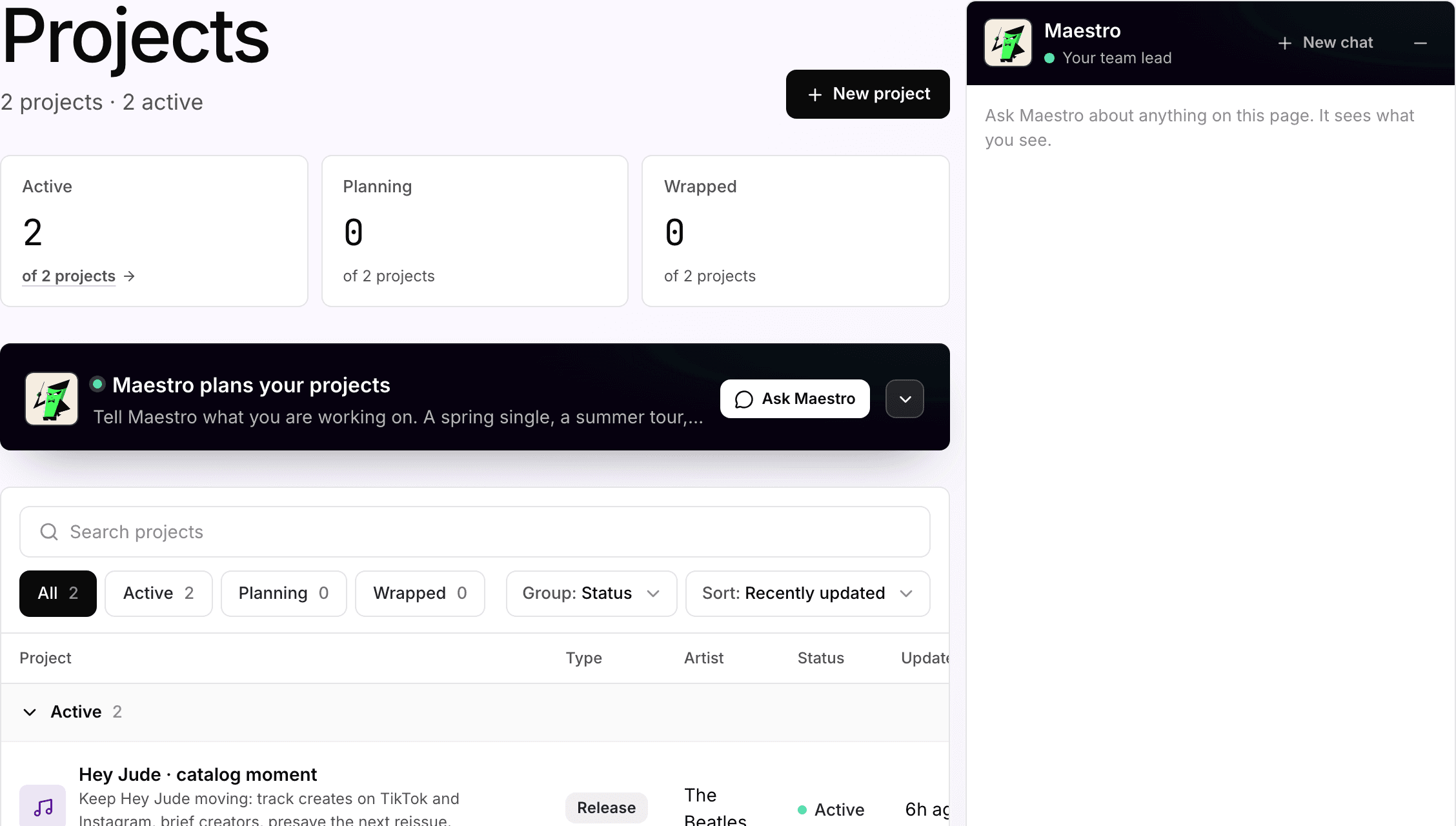
The plan lives in the artist's project
Two active release projects, one per artist. Maestro files the plan here, where the team edits the lines and approves the builds.
What your team gets back
A dated plan the team can open.
A dated plan in a project the whole team can open. Each line has an owner, and each build comes back for review.


AI support
Maestro, planning and coordination.
Maestro drafts the plan and brings in the assistant for each line. Your team edits the lines, owns the tasks and approves the builds.
How Maestro works →Plan, and what is separate
Pro
Planning and projects come with the Pro plan, $49 per artist per month.
Credits
250 credits per artist each month, shared across the workspace. Simple conversations and drafts use a little; campaigns, pages, sends and other multi-step work use more.
Approval
Every build in the plan waits for someone on your team: the page, the campaign, the message.
Your subscription covers the software. Media spend, creator payments, extra credits and managed services are separate where they apply. Compare plans.
Next step
See it with your artists.
Tell us which artists and workflows you want to start with. We’ll shape the walkthrough around them, then talk through the setup and what it would cost.