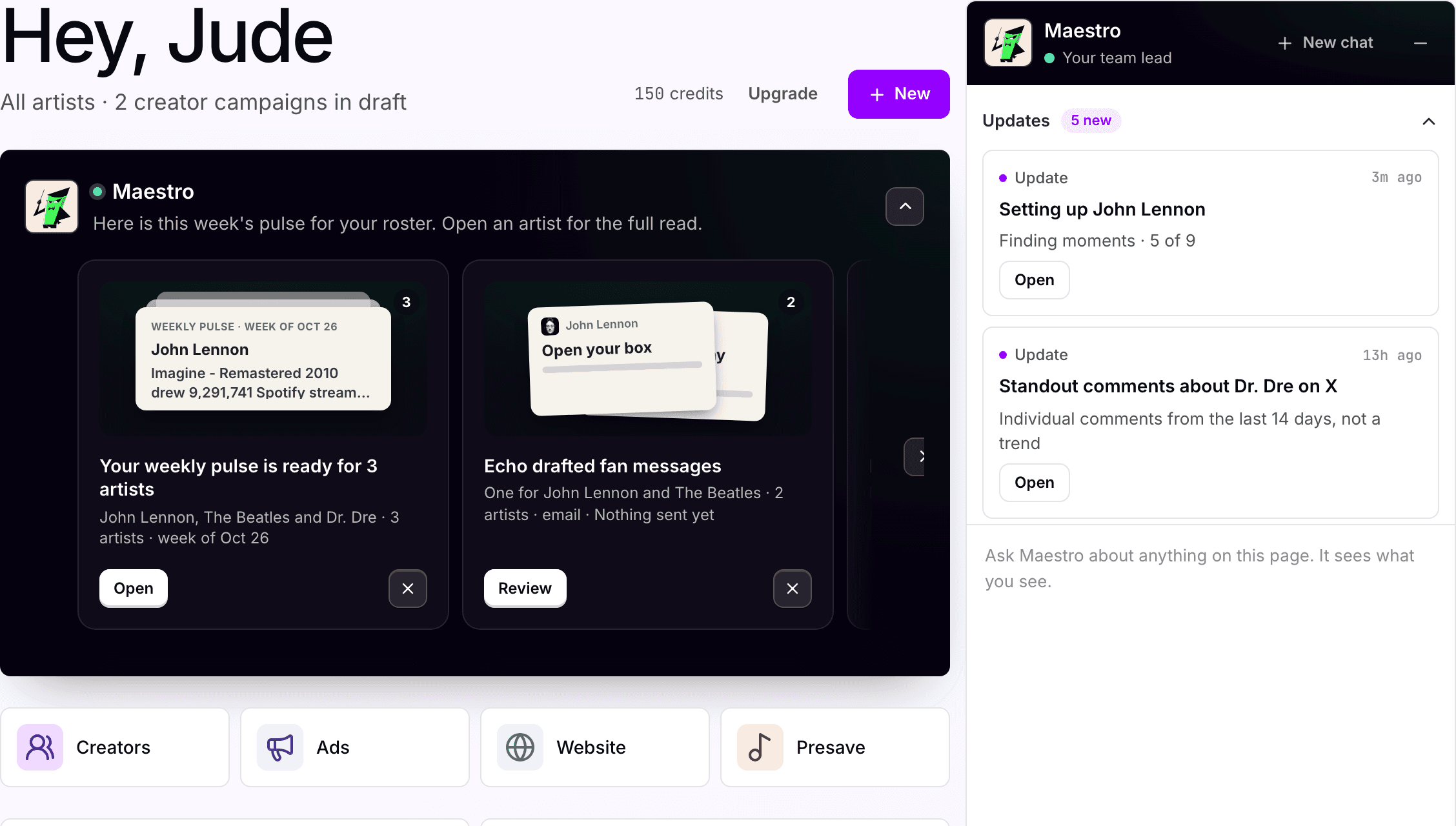
Know where your team's attention
matters most this week.
Ask what should happen this week, per artist or across the roster, and get a short list from the numbers. Your team picks the lines and approves the work.
For Digital managers · Management companies
Where it starts
Most artists are between releases. A plan for the quiet weeks too.
Where your team starts
A roster between releases, and a Monday.
Most artists are between releases, and they still need a line in the plan. Someone has to decide where the week goes.
What Symphony does
A running plan per artist, in a project.
Maestro reads Catalog and Socials and keeps a running plan per artist. Quiet weeks and release weeks share one calendar.
What your team reviews
Which lines get done, and which get skipped.
The plan is a draft, and every line that spends, posts or sends waits for approval. A line you skip tells Maestro as much as one you run.
How your team starts it
Whatever is true this week.
"What should I do this week?" sits on Home for a reason. Maestro answers from the numbers, not a template.
Hands-on, in the workspace
- 01Ask on Home what should happen this week.
- 02Open the artist's project to see the plan.
- 03Pick the lines to run and assign owners.
- 04Approve the builds that spend or send.
Next time
"Reissue is ready, date confirmed." It drops into the plan Maestro is already running.Or brief Maestro

Maestro
Planning and coordination
What Symphony does
There is always a next move.
01
Reads what is moving
Catalog moments, Socials, campaigns, the fan list. If nothing is picking up, he says so.
02
Keeps the plan running
One current plan per artist, filed to the project, with quiet weeks and release weeks in one calendar.
03
Fits the release in
When a date lands, it drops into the running plan in the shape of the last release. You tell him what is different.
In the workspace
The screen.
Home
The question is on the screen
"What should I do this week?" is one of the prompts on Home. Maestro answers from what Catalog, Socials and Ads track, and keeps the plan in the artist's project.
What your team gets back
One plan per artist, quiet weeks included.
One calendar per artist, filed to the project so the whole team sees it. Quiet weeks still get a line, because something in the catalog is usually moving.

AI support
Maestro, planning and coordination.
Maestro keeps each artist's plan and context together and brings in the right assistant for each line. Your team picks the lines and approves the work.
How Maestro works →Plan, and what is separate
Pro
Planning and projects come with the Pro plan, $49 per artist per month.
Advanced
Lines built from streaming and social movement draw on Catalog and Socials, which are on the Advanced plan. On Pro the plan reads Ads, pages and the fan list.
Credits
250 credits per artist each month, shared across the workspace. Simple conversations and drafts use a little; campaigns, pages, sends and other multi-step work use more.
Approval
Every line that spends, posts or sends waits for someone on your team.
Your subscription covers the software. Media spend, creator payments, extra credits and managed services are separate where they apply. Compare plans.
Next step
See it with your artists.
Tell us which artists and workflows you want to start with. We’ll shape the walkthrough around them, then talk through the setup and what it would cost.